A new wallet security warning is spreading across the crypto developer community after researchers linked a campaign called TrapDoor to malicious packages targeting Solana, Sui, Aptos, DeFi and AI builders.
This is not a normal phishing story. The reported campaign focused on software supply-chain attacks, meaning the malicious code was hidden in packages that developers might install while building tools, testing contracts or working with crypto infrastructure.
What happened?
CoinDesk reported that TrapDoor targeted crypto and cloud developers with packages designed to steal wallet files, SSH keys, GitHub tokens, cloud credentials and browser data. The Hacker News also reported that the campaign reached npm, PyPI and Crates.io.
The risk is serious because developers often keep sensitive credentials on the same machines they use for coding, testing, wallets, deployments and AI coding assistants.
Why Solana, Sui and Aptos were mentioned
The campaign reportedly used package names and themes that could appeal to crypto developers, including tools related to wallets, Solidity, Move, Sui and AI development workflows.
That does not mean every Solana, Sui or Aptos wallet is compromised. It means attackers are trying to reach the people who build and maintain crypto software, where a single infected device can expose keys, repositories or infrastructure.
How a package attack can become a wallet problem
Many crypto users think wallet security is only about not sharing a seed phrase. That is important, but it is not the whole picture.
If malware can read files on a developer machine, it may search for environment variables, browser data, wallet files, SSH keys or cloud credentials. In some cases, attackers can use those credentials to move deeper into projects or steal access to services.
What ordinary wallet users should do
Most retail users are not installing npm, PyPI or Rust packages every day. Still, the lesson is useful: keep wallet activity separate from risky browsing, random downloads and experimental tools.
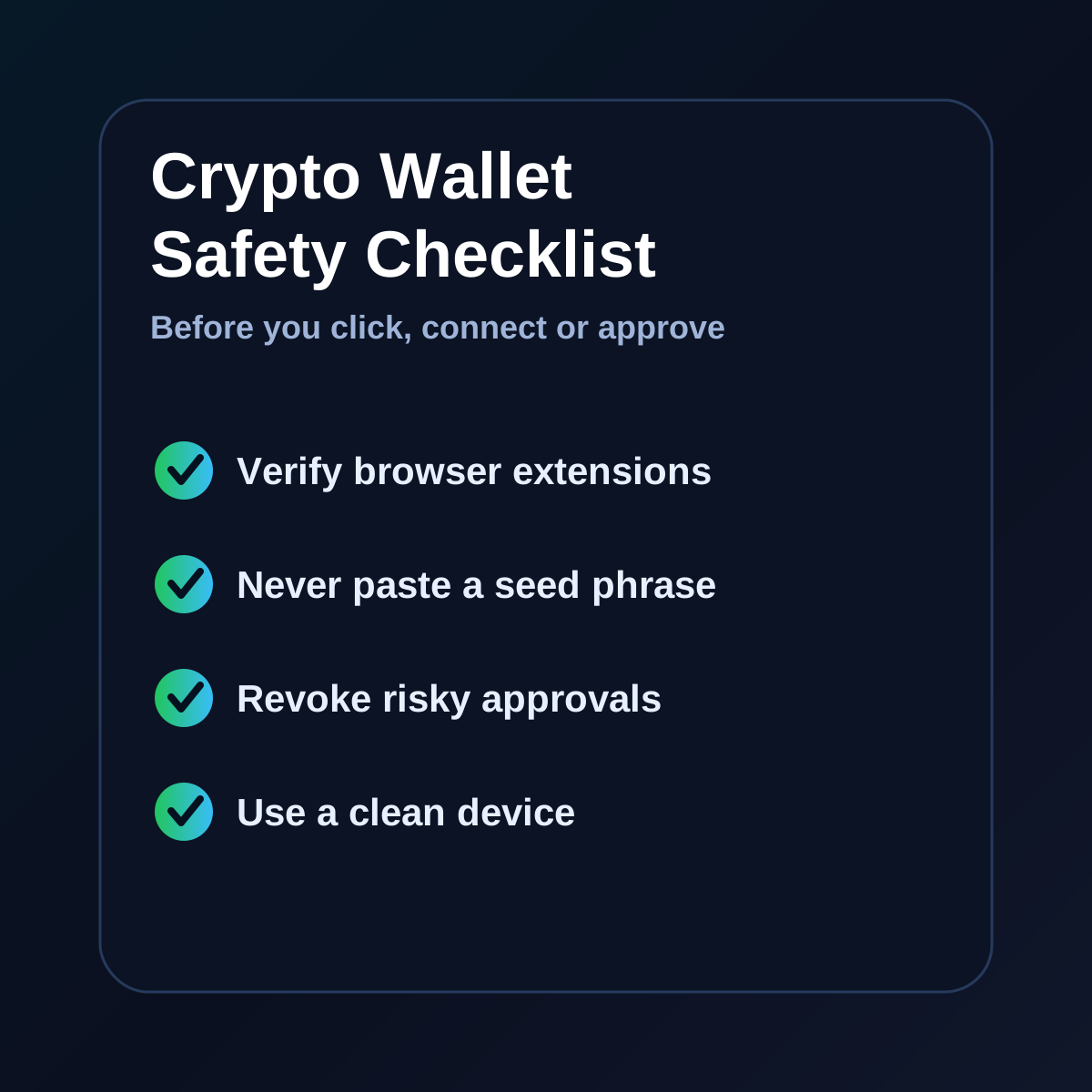
Use official wallet downloads, avoid unknown browser extensions, never paste seed phrases into websites, and review token approvals regularly. If a wallet was used on a machine that may be infected, treat that environment as untrusted until it is cleaned.
What developers should check first
Developers should review recently installed packages, audit lockfiles, check package provenance and rotate any credentials that may have been exposed. SSH keys, GitHub tokens, cloud keys and wallet files deserve special attention.
Teams should also review AI tool configuration files. Reports around TrapDoor mention hidden instructions placed in developer environment files, which makes this campaign especially relevant for teams using AI coding tools.
Warning signs to watch
Red flags include unexpected post-install scripts, unknown package maintainers, lookalike package names, packages with very recent creation dates, and tools that ask for access unrelated to their stated purpose.
For wallet users, warning signs include unexpected approval requests, browser extensions behaving strangely, seed phrase prompts, or wallets connecting to sites you did not intentionally approve.
Bottom line
TrapDoor is a reminder that crypto security is now broader than seed phrase hygiene. Wallet safety also depends on device hygiene, developer tooling, package security and credential management.
Solana, Sui and Aptos users do not need to panic, but they should treat this as a strong reminder to verify tools, separate wallets from risky environments and avoid installing unknown software on machines used for crypto.
Disclaimer: This article is for informational purposes only and does not constitute financial, investment, legal, or tax advice. Cryptocurrency markets are highly volatile. Always do your own research before making any financial decision.